donghaozhang/video-agent-skill
First Python Package for Video Cli Generation and Processing
npx skills add donghaozhang/video-agent-skillREADME
AI Content Generation Suite
A comprehensive AI content generation package with multiple providers and services, consolidated into a single installable package.


⚡ Production-ready Python package with comprehensive CLI, parallel execution, and enterprise-grade architecture
🎬 Demo Video
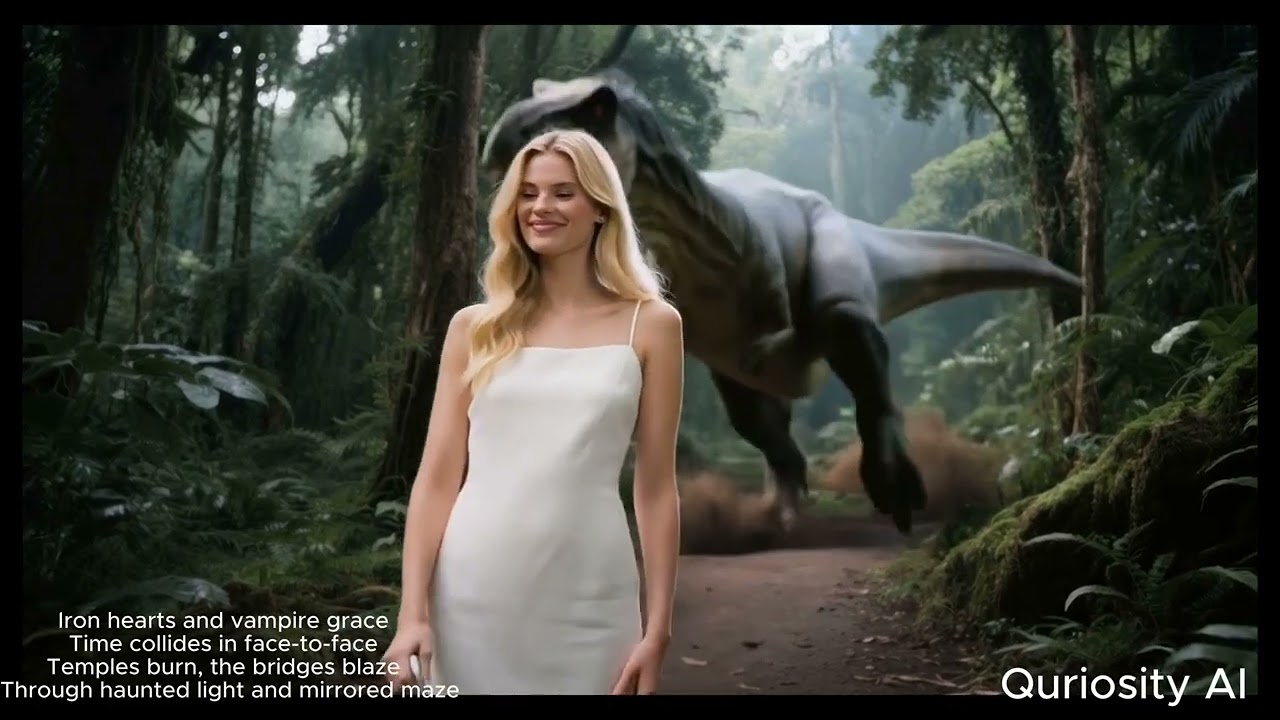
Click to watch the complete demo of AI Content Generation Suite in action
🎨 Available AI Models
40+ AI models across 8 categories - showing top picks below. See full models reference for complete list.
Text-to-Image (Top Picks)
| Model | Cost | Best For |
|---|---|---|
nano_banana_pro | $0.002 | Fast & high-quality |
gpt_image_1_5 | $0.003 | GPT-powered generation |
Image-to-Video (Top Picks)
| Model | Cost | Best For |
|---|---|---|
sora_2 | $0.40-1.20 | OpenAI quality |
kling_2_6_pro | $0.50-1.00 | Professional quality |
Text-to-Video (Top Picks)
| Model | Cost | Best For |
|---|---|---|
sora_2 | $0.40-1.20 | OpenAI quality |
kling_2_6_pro | $0.35-1.40 | Quality + audio |
💡 Cost-Saving Tip: Use
--mockflag for FREE validation:ai-content-pipeline generate-image --text "test" --mock
🏷️ Latest Release


What's New in v1.0.18
- ✅ Automated PyPI publishing via GitHub Actions
- 🔧 Consolidated setup files for cleaner package structure
- 🎯 All 40+ AI models with comprehensive parallel processing support
- 📦 Improved CI/CD workflow with skip-existing option
🚀 FLAGSHIP: AI Content Pipeline
The unified AI content generation pipeline with parallel execution support, multi-model integration, and YAML-based configuration.
Core Capabilities
- 🔄 Unified Pipeline Architecture - YAML/JSON-based configuration for complex multi-step workflows
- ⚡ Parallel Execution Engine - 2-3x performance improvement with thread-based parallel processing
- 🎯 Type-Safe Configuration - Pydantic models with comprehensive validation
- 💰 Cost Management - Real-time cost estimation and tracking across all services
- 📊 Rich Logging - Beautiful console output with progress tracking and performance metrics
AI Service Integrations
- 🖼️ FAL AI - Text-to-image, image-to-image, text-to-video, video generation, avatar creation
- 🗣️ ElevenLabs - Professional text-to-speech with 20+ voice options
- 🎥 Google Vertex AI - Veo video generation and Gemini text generation
- 🔗 OpenRouter - Alternative TTS and chat completion services
Developer Experience
- 🛠️ Professional CLI - Comprehensive command-line interface with Click
- 📦 Modular Architecture - Clean separation of concerns with extensible design
- 🧪 Comprehensive Testing - Unit and integration tests with pytest
- 📚 Type Hints - Full type coverage for excellent IDE support
📦 Installation
Quick Start
# Install from PyPI
pip install video-ai-studio

# Or install in development mode
pip install -e .
🔑 API Keys Setup
After installation, you need to configure your API keys:
-
Download the example configuration:
# Option 1: Download from GitHub curl -o .env https://raw.githubusercontent.com/donghaozhang/video-agent-skill/main/.env.example # Option 2: Create manually touch .env -
Add your API keys to
.env:# Required for most functionality FAL_KEY=your_fal_api_key_here # Optional - add as needed GEMINI_API_KEY=your_gemini_api_key_here OPENROUTER_API_KEY=your_openrouter_api_key_here ELEVENLABS_API_KEY=your_elevenlabs_api_key_here -
Get API keys from:
- FAL AI: https://fal.ai/dashboard (required for most models)
- Google Gemini: https://makersuite.google.com/app/apikey
- OpenRouter: https://openrouter.ai/keys
- ElevenLabs: https://elevenlabs.io/app/settings
📋 Dependencies
The package installs core dependencies automatically. See requirements.txt for the complete list.
🛠️ Quick Start
Console Commands
# List all available AI

...
Publisher
 donghaozhang