kalil0321/reverse-api-engineer
Claude engineer that captures traffic, writes documentation and automatically generates API clients. Reverse engineer APIs!
npx skills add kalil0321/reverse-api-engineerREADME



CLI tool that captures browser traffic and automatically generates production-ready Python API clients.
No more manual reverse engineering—just browse, capture, and get clean API code.
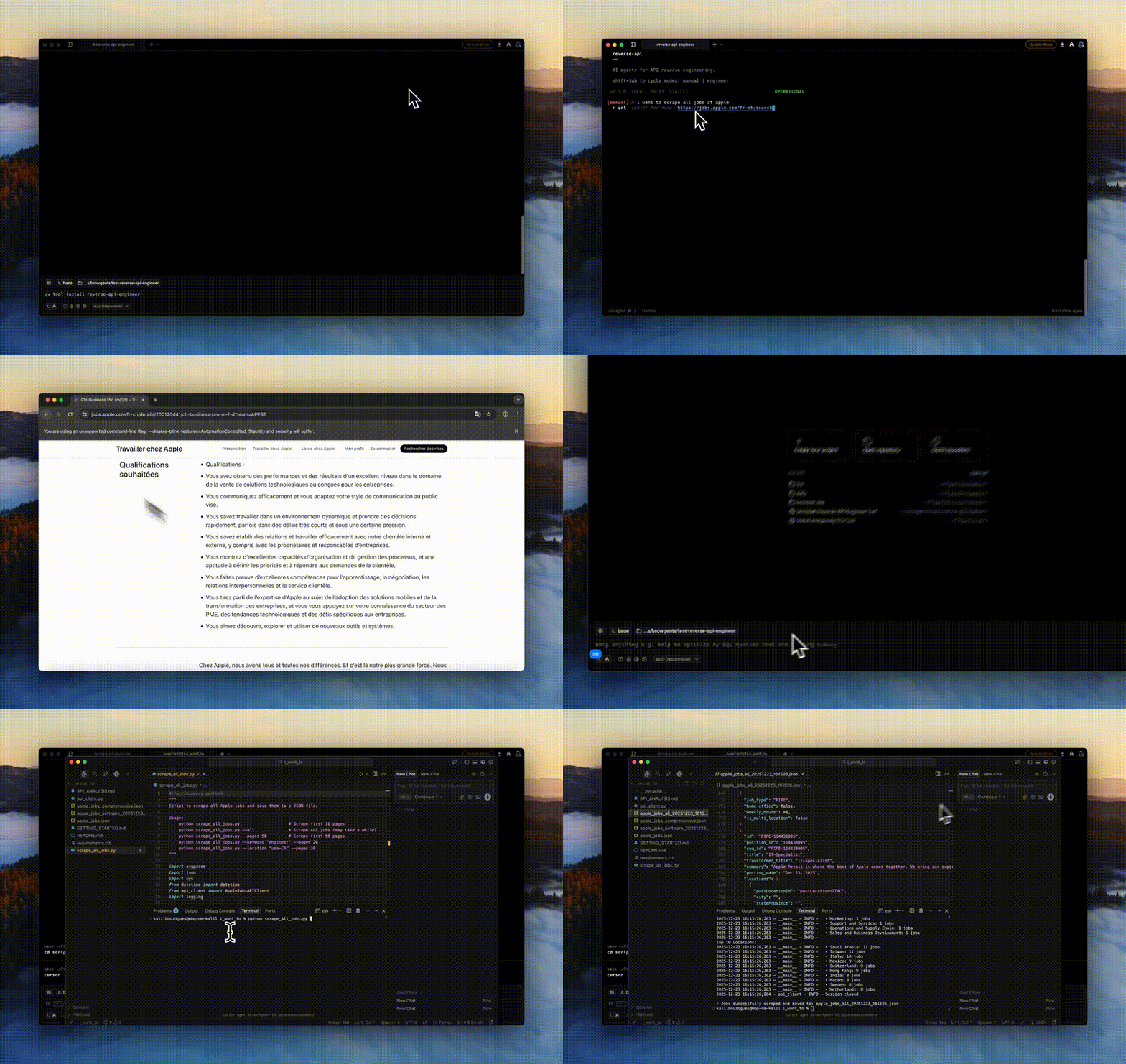
Table of Contents
- Features
- Installation
- Quick Start
- Usage Modes
- Tags
- Configuration
- CLI Commands
- Claude Code Plugin
- Chrome Extension
- Examples
- Development
- Contributing
✨ Features
- 🌐 Browser Automation: Built on Playwright with stealth mode for realistic browsing
- 🤖 Autonomous Agent Mode: Fully automated browser interaction using AI agents (auto mode with MCP, browser-use, stagehand)
- 📊 HAR Recording: Captures all network traffic in HTTP Archive format
- 🧠 AI-Powered Generation: Uses Claude 4.5 to analyze traffic and generate clean Python code
- 🔍 Collector Mode: Data collection with automatic JSON/CSV export
- 🔌 Multi-SDK Support: Native integration with Claude and OpenCode SDKs
- 💻 Interactive CLI: Minimalist terminal interface with mode cycling (Shift+Tab)
- 📦 Production Ready: Generated scripts include error handling, type hints, and documentation
- 💾 Session History: All runs saved locally with full message logs
- 💰 Cost Tracking: Detailed token usage and cost estimation with cache support
- 🏷️ Tag System: Powerful tags for fine-grained control (@record-only, @codegen, @docs, @id)
Limitations
- This tool executes code locally using Claude Code—please monitor output
- Some websites employ advanced bot-detection that may limit capture or require manual interaction
🚀 Installation
Using uv (recommended)
# Basic installation
uv tool install reverse-api-engineer

# With agent mode support (includes browser-use with HAR recording)
uv tool install 'reverse-api-engineer[agent]' --with 'browser-use @ git+https://github.com/browser-use/browser-use.git@49a345fb19e9f12befc5cc1658e0033873892455'
Using pip
# Basic installation
pip install reverse-api-engineer

# With agent mode support
pip install 'reverse-api-engineer[agent]'
pip install git+https://github.com/browser-use/browser-use.git@49a345fb19e9f12befc5cc1658e0033873892455
Post-installation
Install Playwright browsers:
playwright install chromium
Enhanced Pricing Support (Optional)
By default, Reverse API Engineer includes pricing data for the most common models (Claude 4.5, Gemini 3). For extended model coverage (100+ additional models including OpenAI GPT, Mistral, DeepSeek, and more), install with pricing extras:
# With uv
uv tool install 'reverse-api-engineer[pricing]'

# With pip
pip install 'reverse-api-engineer[pricing]'
This enables automatic pricing lookup via LiteLLM for models not in the built-in database. The pricing system uses a 3-tier fallback:
- Local pricing (highest priority) - Built-in pricing for common models
- LiteLLM pricing (if installed) - Extended coverage for 100+ models
- Default pricing (ultimate fallback) - Uses Claude Sonnet 4.5 pricing
Cost tracking will always work, with or without the pricing extras installed.
🚀 Quick Start
Launch the interactive CLI:
reverse-api-engineer
The CLI has four modes (cycle with Shift+Tab):
- manual: Browser capture + AI generation
- engineer: Re-process existing captures
- agent: Autonomous AI browser agent (default: auto mode with MCP-based browser + real-time reverse engineering)
- collector: AI-powered web data collection (very minimalist version for now)
Example workflow:
$ reverse-api-engineer
> fetch all apple jobs from their careers page

# Browser opens, navigate and

...
